
Create a Wallet
Understand the difference between creating a new wallet and importing an existing one before setting up credentials.
Learn more →imtoken · Wallet · Networks · Web3
A multi-chain wallet, blockchain network and Web3 knowledge hub from imtoken
Understand how assets, networks, transfers, DApps, token approvals and wallet security fit together before you act on-chain. imtoken brings product guidance and practical learning into one place so that each request can be reviewed with better context.
Start with a task
Understand the difference between creating a new wallet and importing an existing one before setting up credentials.
Learn more →Store the seed phrase offline and verify that the backup can be read without exposing it to other people or online services.
Learn more →Confirm the receiving address and network before sharing details with the sender.
Learn more →Review the destination, network, amount, gas and final confirmation details before submitting a transfer.
Learn more →Check the domain, requested account, network and every signature or approval separately.
Learn more →Wallet capabilities
Different networks have different fee, confirmation and contract contexts. Verify the network before interpreting an address or asset record.
Explore multi-chain basics →Review the receiving address, network, amount, gas and transaction hash as one continuous process.
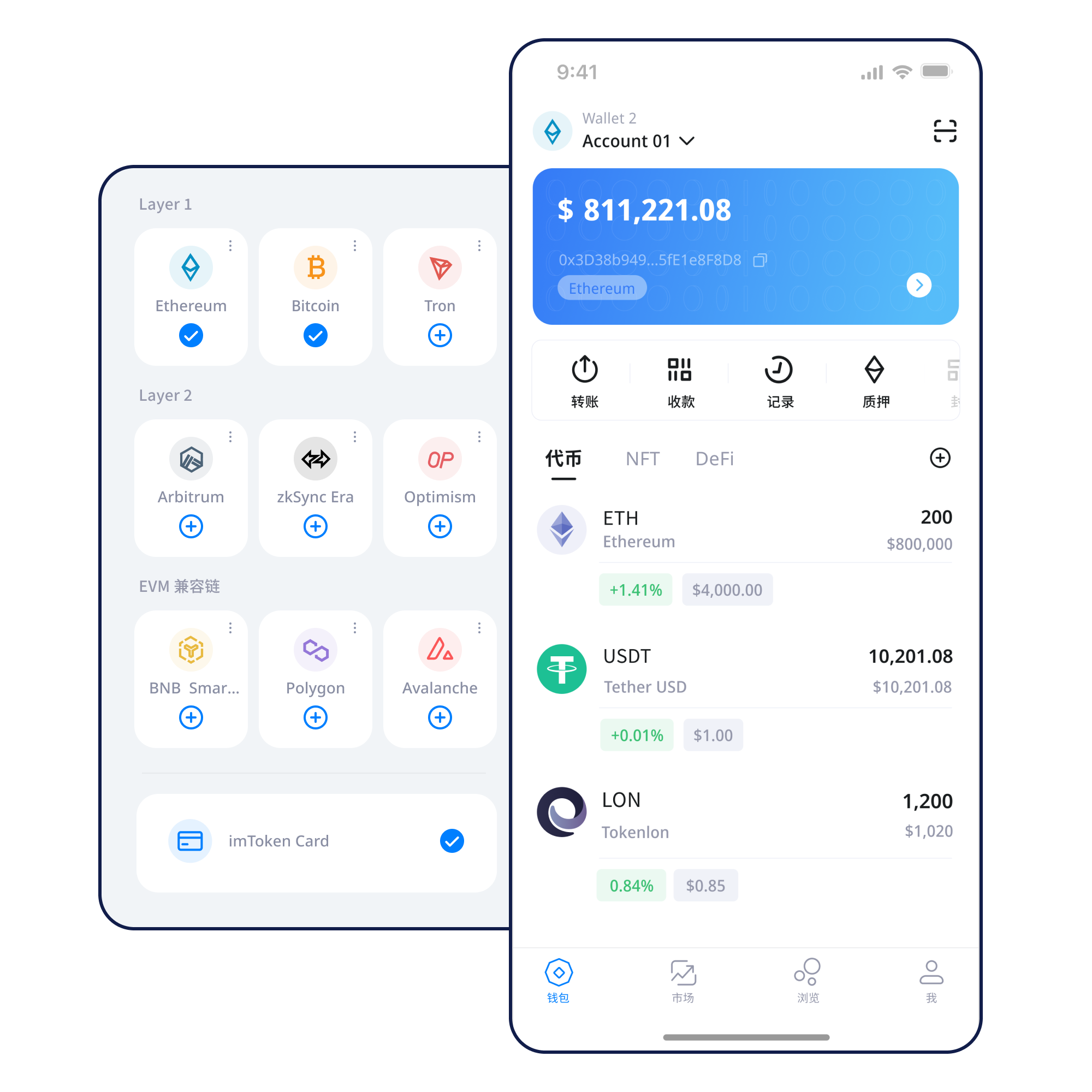
Manage networks, review assets and follow transaction history from a mobile wallet interface.
Explore the app →Browser connections should be treated as sessions that can be reviewed and disconnected. Connection does not mean every later signature or approval is safe.
Web connection basics →
Keep seed phrases and private keys offline, review DApp approvals, and never provide credentials to another person.
Network explorer
An asset is always interpreted inside a specific network. Check the network name, contract and explorer context instead of assuming that a familiar address format means the same chain.
Nodes validate and relay information according to network rules. Blocks and confirmations provide a shared record of transaction ordering and state.
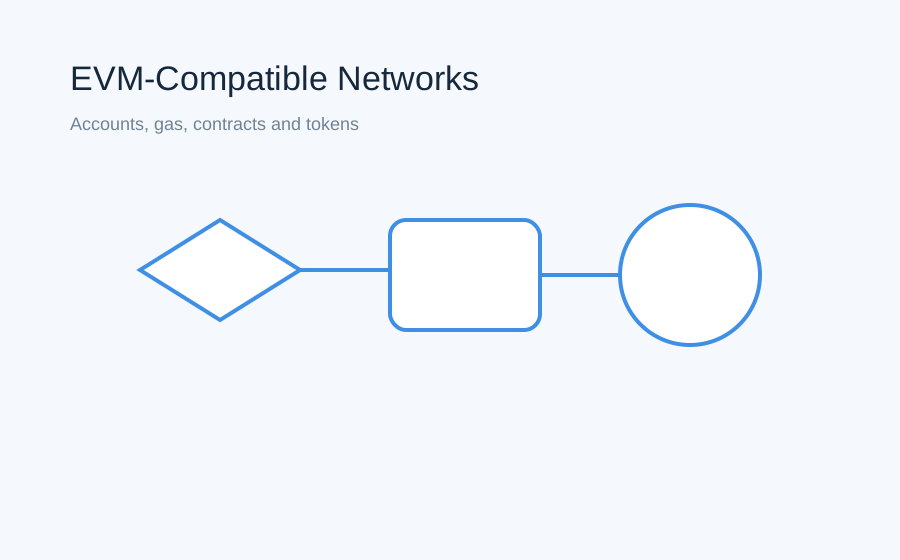
EVM-compatible networks can share familiar account and contract patterns while still using different network identifiers, gas markets and deployed contracts.
Layer 2 systems process activity with a relationship to a base network. Moving assets across layers can involve bridges, waiting periods and different confirmation assumptions.
Fee settings influence how a transaction competes for inclusion, while confirmations describe how far the network has progressed after inclusion. They are related but not the same concept.
Wallet journey
Start from the official download entry and review the product information first.
Choose whether you need a new wallet or an existing self-custodied wallet.
Keep the seed phrase offline and never send it to anyone.
Confirm the target network before sharing an address or submitting a transaction.
Check the destination, amount, gas and network details before broadcasting.
Use transaction hashes and approval records to verify what happened on-chain.
05 · Web3 & DApp
Connecting a wallet only establishes a session. It does not mean future signatures or approvals should be accepted automatically.
Read the Web3 guide →06 · Security
Self-custody means the seed phrase and private key remain under the user's control. Official personnel will not ask for them. Before transferring assets, verify the destination, network and amount; before signing or approving, verify the domain, contract and permission scope. Third-party DApps and smart contracts may contain risks, and confirmed blockchain transactions are generally not reversible by a wallet.
Open Security Center →07 · Academy
Start with the relationship between an address, seed phrase and private key, then learn why networks, gas and transaction hashes matter. After that foundation, DApp connections and token approvals become easier to evaluate because you can separate identity, network context and permission requests.
Start the beginner path →How blocks, nodes and confirmations build a shared transaction record.
EVMEVM and smart contractsAddresses, gas, tokens, contracts and approvals in EVM environments.
Layer 2Layer 2 fundamentalsBase-network relationships, bridges and cross-layer confirmation.
Web3DApp approvalsReview the spender, contract and permission scope before approving.
SecurityWallet securityCredential protection, phishing awareness and transaction checks.
GlossaryBlockchain glossaryA practical reference for common wallet and network terms.
08 · Ethereum PoS
Ethereum uses proof of stake and validators to participate in block proposal and attestation. Rewards come from protocol activity and can change. Withdrawals and exits can involve waiting, while validators may be subject to network penalties.
Learn the staking basics →Updates
10 · FAQ
These answers focus on concepts users should understand before transferring, signing, approving or participating in network services.
Open full FAQ →A self-custodied wallet manages keys and provides an interface for addresses, balances and on-chain requests. Assets themselves are recorded on blockchain networks.
The same-looking address can exist across different networks, but the asset and transaction belong to a specific network context. Always confirm the intended network.
Gas is the unit used to measure computational work on networks such as Ethereum and other EVM-compatible chains. Fees vary with network conditions and request complexity.
No. Seed phrases and private keys are controlled by the user. Official personnel will not ask for them and cannot reconstruct a lost self-custodied secret.
No. Connection, signature and token approval are separate actions. Each request should be reviewed independently.
On-chain transactions are generally not something a wallet can unilaterally reverse after network confirmation.
No. Rewards can change, exits may involve waiting, validators can be penalized, and smart-contract or market risks may apply.
Begin with wallet credentials, addresses and networks, then move to transfers, transaction hashes, DApps and approval security.
11 · imtoken
Use the official download entry, keep credentials under your own control, and verify every network, transaction, signature and approval before proceeding.